What Is the ESP32? Specs, Variants and Which to Buy
The ESP32 is Espressif's Wi-Fi and Bluetooth microcontroller family. See the original's specs, how the S3, C3 and C6 differ, and which board to buy.
- Author
 Mauro Brambilla
- Published
- Reading time
- 9 min
- Category
- Guides
In short
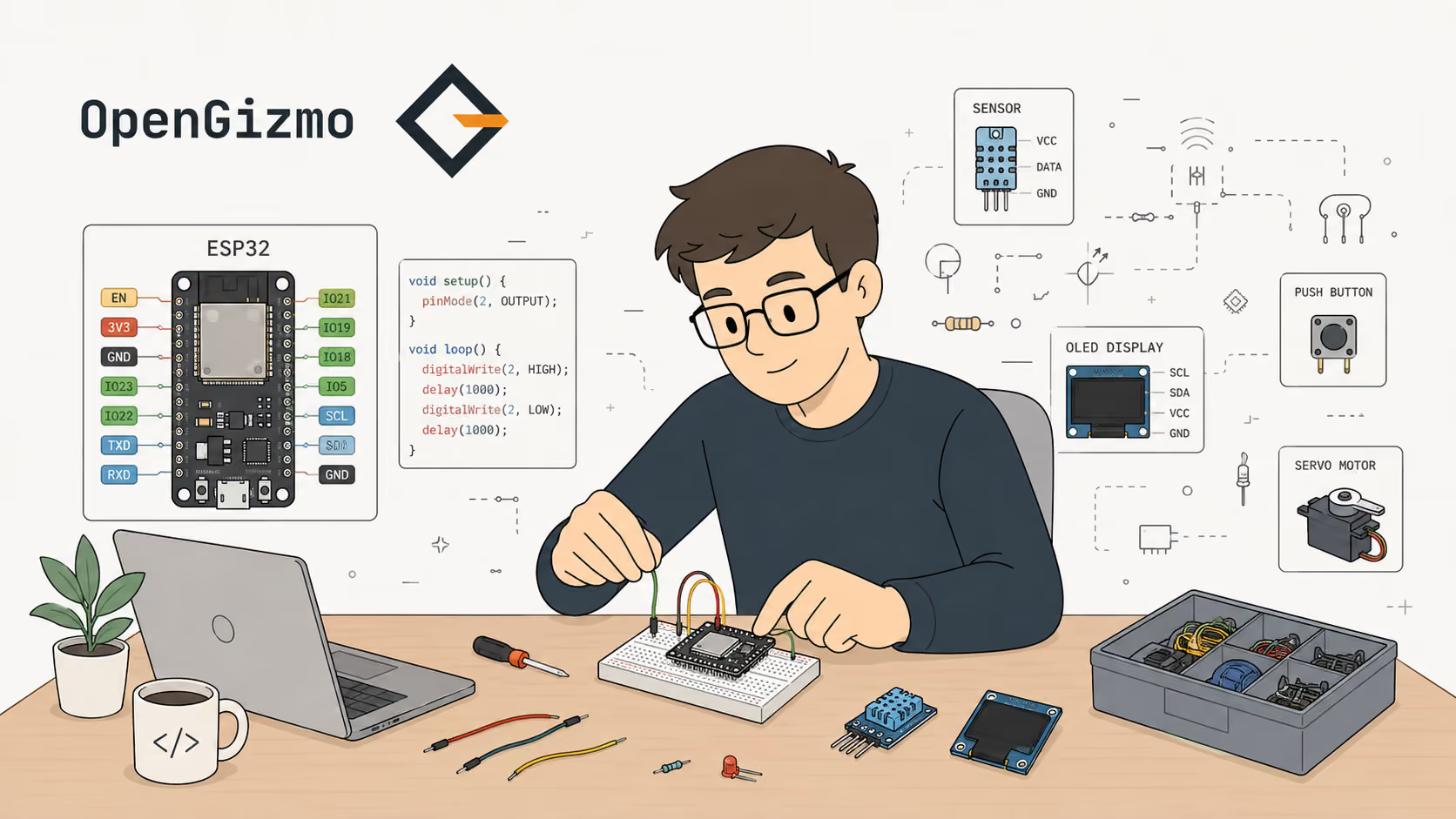
The ESP32 is Espressif's family of low-cost Wi-Fi and Bluetooth microcontrollers. The original has two 240 MHz cores and 520 KB of SRAM; the S3, C3 and C6 differ in cores and radios.
The ESP32 is a family of low-cost 32-bit microcontrollers from Espressif Systems with built-in 2.4 GHz Wi-Fi. The original ESP32 has up to two Xtensa LX6 cores at 240 MHz, 520 KB of SRAM, 34 programmable GPIOs and Bluetooth 4.2. Newer chips such as the ESP32-S3, C3 and C6 change the cores and radios.
That last sentence decides what you buy: "ESP32" names a whole family, not one chip. This post gives the numbers from Espressif's datasheets, shows how the family splits up, and untangles chip, module and dev board. The examples come from the three open-source gadgets on this site: the Gizmo Ticker, the Gizmo Reolink Switch and the Gizmo Camera all run on ESP32 chips, so you can flash them and look at the code. Specs link to their source, and where I could not verify something, the text says so.
What is the ESP32, and what is inside it?
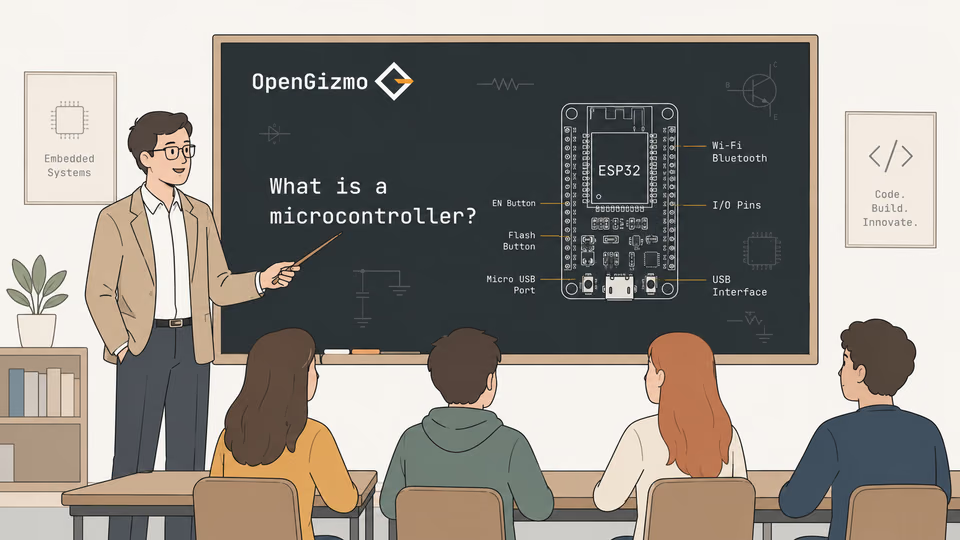
The ESP32 is a microcontroller: a single chip that holds a processor, memory and programmable pins, and runs one firmware program that talks to hardware directly. If that definition is new, what is a microcontroller starts one step earlier. What sets the ESP32 apart from older hobby chips is that the radios are on the same piece of silicon, so a button, a sensor or a display can reach your network with no extra module.
Here is the original ESP32, straight from the ESP32 datasheet (v5.3):
| Spec | Original ESP32 (datasheet v5.3) | Why it matters |
|---|---|---|
| CPU | 1 or 2 Xtensa 32-bit LX6 cores, 240 MHz | Two cores let Wi-Fi and your code run side by side |
| Speed | 539.98 CoreMark per core at 240 MHz | Plenty for sensors, displays and web servers |
| SRAM | 520 KB, plus 16 KB in the RTC domain | Shared by the Wi-Fi stack and your program |
| ROM | 448 KB | Holds the boot code and chip libraries |
| Flash | Not in the chip: external QSPI, up to 16 MB mapped | Your firmware lives outside the chip |
| GPIO | 34 programmable pins | Six are input-only, five are strapping pins |
| Wi-Fi | 802.11b/g/n, 2.4 GHz, up to 150 Mbps | No 5 GHz support |
| Bluetooth | v4.2 BR/EDR and Bluetooth LE | Classic audio and LE devices both work |
| Deep sleep | 10 µA (chip only) | A dev board draws more, see the sleep post |
| Temperature | -40 to 125 °C (to 85 °C with in-package flash or PSRAM) | Fine for most indoor and outdoor builds |
Two rows deserve a second look. First, the 520 KB of SRAM is shared: the Wi-Fi stack takes a large slice before your code runs a line. Second, the flash is external. The chip itself has no storage for your program, so every ESP32 board carries a separate flash chip, or uses the ESP32-U4WDH, which has 4 MB of flash in the package. The numbers above also assume the original chip. Treat them as a baseline, not as "the ESP32" in general, because the next section changes several of them.
How do the ESP32, S2, S3, C3, C6, H2 and P4 differ?
"ESP32" is both one chip and the name of a whole family. Espressif's SoC product selector lists more than a dozen series, and they differ in the places that matter: the CPU architecture, the radios and the clock.
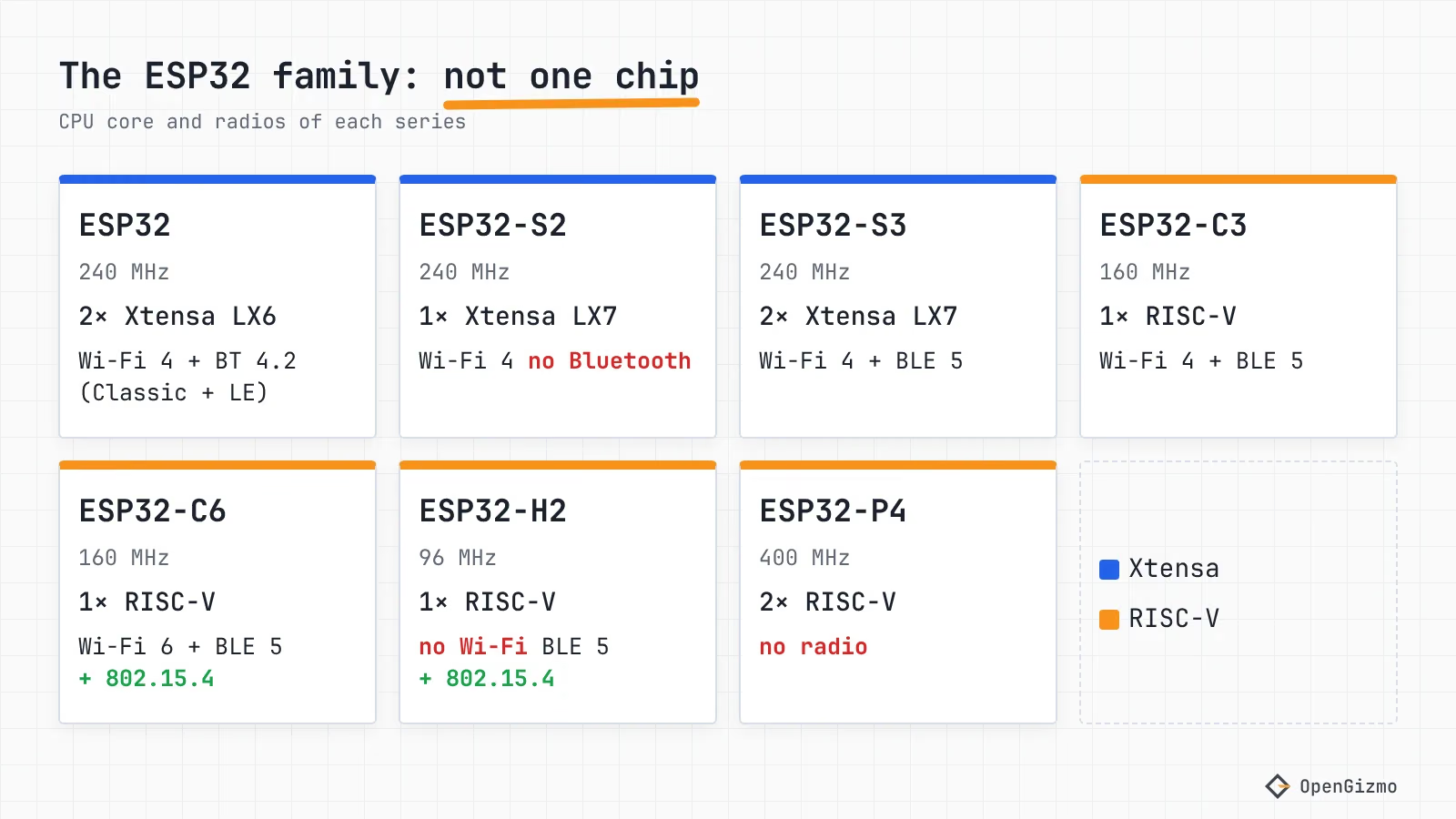
The split to remember is Xtensa versus RISC-V. The original ESP32, the S2 and the S3 use Xtensa cores. The C, H and P series use RISC-V cores. The datasheets of the ESP32-S3, ESP32-C3, ESP32-C6, ESP32-S2 and ESP32-H2 give the details:
| Chip | CPU | Max clock (MHz) | Wi-Fi | Bluetooth | 802.15.4 (Thread, Zigbee) |
|---|---|---|---|---|---|
| ESP32 | 2 × Xtensa LX6 | 240 | Wi-Fi 4 (802.11n) | 4.2 Classic + LE | No |
| ESP32-S2 | 1 × Xtensa LX7 | 240 | Wi-Fi 4 (802.11n) | None | No |
| ESP32-S3 | 2 × Xtensa LX7 | 240 | Wi-Fi 4 (802.11n) | 5 (LE) | No |
| ESP32-C3 | 1 × RISC-V | 160 | Wi-Fi 4 (802.11n) | 5 (LE) | No |
| ESP32-C6 | 1 × RISC-V (plus a low-power core) | 160 | Wi-Fi 6 (802.11ax) | 5 (LE) | Yes |
| ESP32-H2 | 1 × RISC-V | 96 | None | 5 (LE) | Yes |
| ESP32-P4 | 2 × RISC-V (plus a low-power core) | 400 | None | None | No |
A few of these are traps for the unwary:
- The ESP32-S2 has no Bluetooth. It is Wi-Fi only, so a Bluetooth sketch will not run on it.
- The S3, C3 and C6 have Bluetooth LE only. Bluetooth Classic, the old profile used for audio streaming and serial links, exists only on the original ESP32.
- The C6 and H2 add an 802.15.4 radio, the one underneath Thread and Zigbee. The H2 has no Wi-Fi at all, so it suits Thread and Zigbee devices, not a web server.
- The ESP32-P4 has no radio. Espressif's P4 page says wireless comes from a companion chip. I left its 802.15.4 column at "No" on that basis, but its page does not state it outright.
If you are choosing between these for a purchase, which ESP32 should you buy compares the S3, C3, C6 and P4 side by side, and XIAO ESP32-S3 vs C3 vs C6 does the same for one popular board family. The ESP8266, the older chip the ESP32 replaced, has its own comparison in ESP32 vs ESP8266.
Is the original ESP32 still worth buying?
Yes for a hobby project, with a catch. The datasheet marks several original-ESP32 chip variants as Not Recommended for New Designs (NRND), which is Espressif's label for a part it is steering you away from. As of November 2026, the current datasheet (v5.3, dated July 2026) lists these:
- NRND: ESP32-D0WD, ESP32-D0WDQ6, ESP32-D0WDQ6-V3 and ESP32-S0WD.
- End of life: ESP32-D0WDR2-V3, upgraded to the ESP32-D0WDRH2-V3.
- No status label: ESP32-D0WD-V3 and ESP32-U4WDH.
Other families have the same notices. The C3 datasheet marks the ESP32-C3FN4 as end of life and the ESP32-C3FH4AZ as NRND, and the S3 datasheet marks the ESP32-S3R8V and ESP32-S3R2 as end of life. The practical reading: a module built on the ESP32-D0WD-V3, such as the ESP32-WROOM-32E, sits on a chip with no status label, while the ESP32-WROOM-32D and the original ESP32-WROOM-32 are built on NRND chips (D0WD and D0WDQ6), according to Espressif's module list. That list shows no lifecycle labels for the modules themselves, so check the module's own datasheet before you design one into a product.
Chip, module or dev board: what do you actually buy?
A chip is the bare silicon in its package. A module is a chip on a small board with flash memory and an antenna, made to be soldered into a product. A dev board is a module plus the parts that make it usable on a desk: USB, power and pin headers. Beginners almost always want the last one.
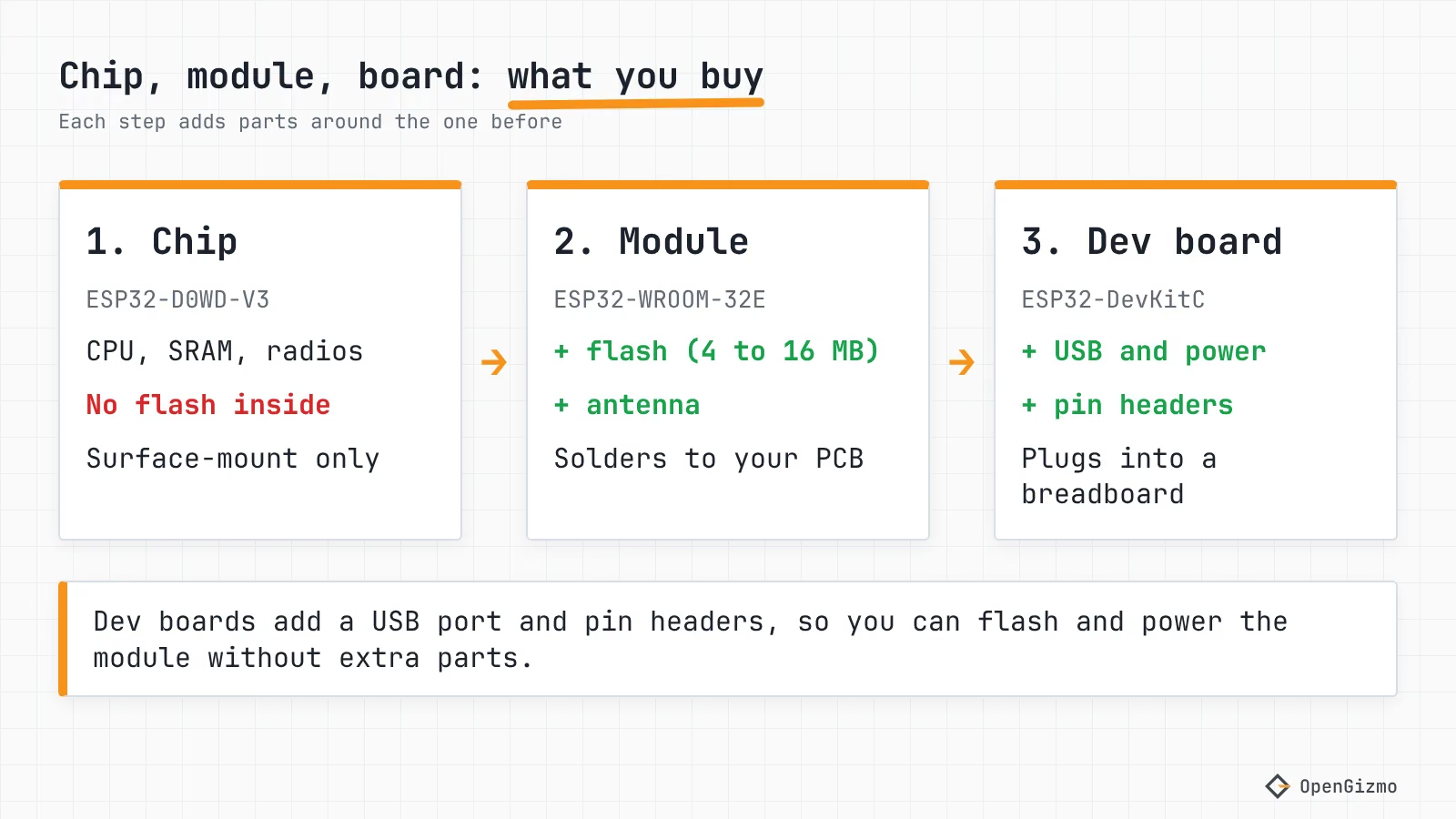
The names help. According to Espressif's module list, the ESP32-WROOM-32E is built on the ESP32-D0WD-V3 (or the D0WDRH2-V3 in the 2 MB PSRAM version), comes with 4, 8 or 16 MB of flash and has a PCB antenna. The ESP32-DevKitC is Espressif's own dev board: a Micro-USB port for power and flashing, and pin headers on both sides for a breadboard. This is also why you see "ESP32" used for three different things in shops: a chip, a module and a board. When a tutorial says "an ESP32", it almost always means a dev board.
The three OpenGizmo devices use two kinds of dev board, and both choices are visible in the code:
- Seeed Studio XIAO ESP32-S3 in the Ticker and the Reolink Switch. Both firmwares set
board = seeed_xiao_esp32s3, as in the Ticker's platformio.ini. It is a thumb-sized S3 board, so one USB cable gives you power and flashing. The XIAO pinout guide lists which pins are safe to use. - AI Thinker ESP32-CAM in the Gizmo Camera, with an OV2640 sensor and 4 MB of PSRAM. It has no USB port, so it sits on a small ESP32-CAM-MB adapter for flashing, which the ESP32-CAM-MB guide walks through.
| Board | Chip | Good for | Watch out for |
|---|---|---|---|
| ESP32-DevKitC | Original ESP32 | Learning the classic chip with its Bluetooth Classic | Older boards may use a module on an NRND chip |
| XIAO ESP32-S3 | ESP32-S3 | Small devices with Wi-Fi and Bluetooth LE | The antenna is external and has to be attached |
| AI Thinker ESP32-CAM | Original ESP32 | A cheap Wi-Fi camera | No USB port and few free pins |
The ESP32-CAM's camera and microSD slot take most of its pins, so check which ESP32-CAM GPIO pins are really free before you plan extra wiring.
What can you build with an ESP32?
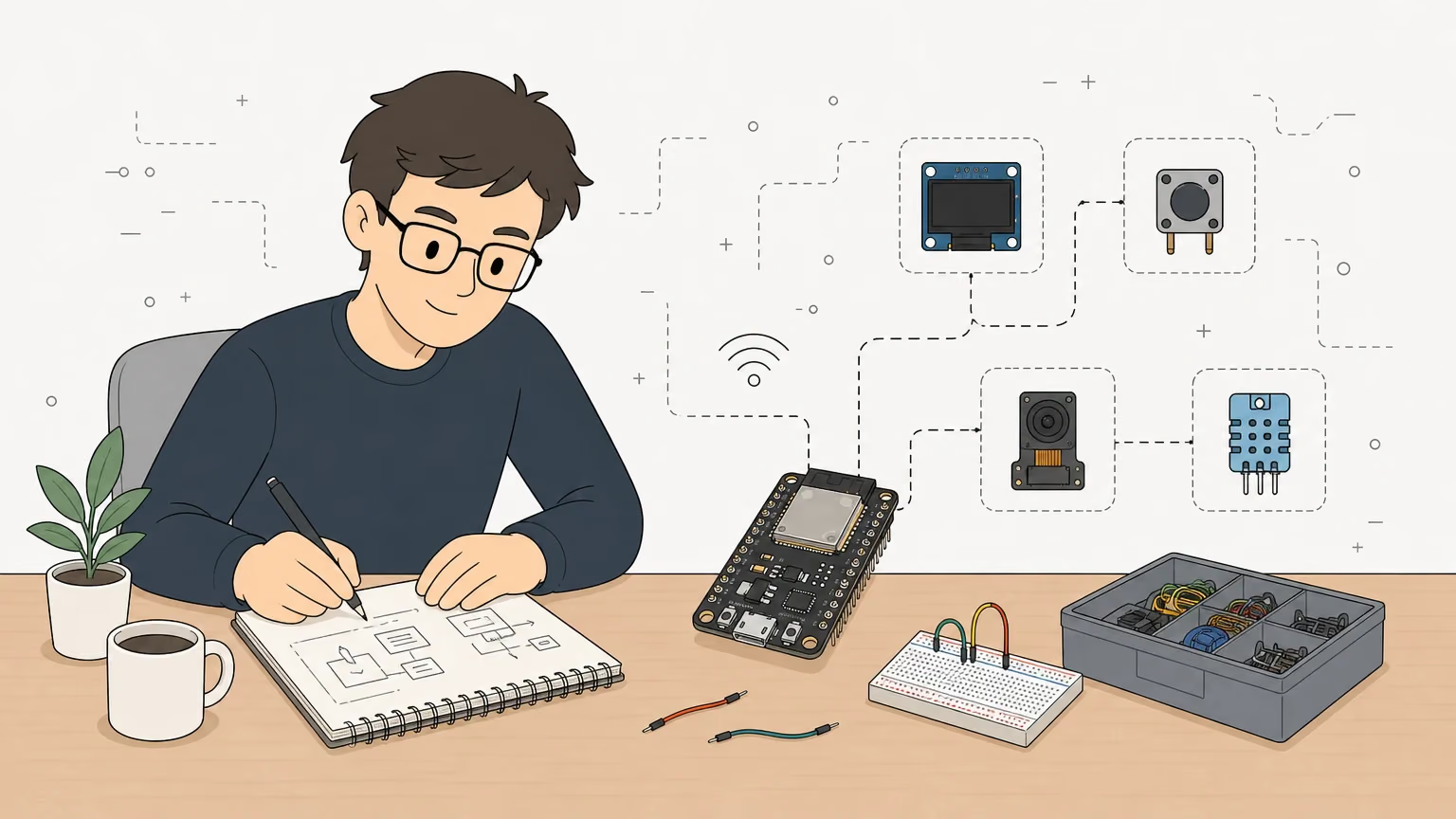
Anything small that should read a sensor, drive an output and talk to a network without a computer attached. The three OpenGizmo projects each show one pattern:
- A display that fetches data. The Gizmo Ticker pulls prices from CoinGecko and scrolls them on a MAX7219 LED matrix. The full build is in how to build a crypto ticker with ESP32 and MAX7219.
- A physical button for a network service. The Gizmo Reolink Switch is a button, a buzzer and a small LCD that mutes and restores a Reolink NVR's alerts. Control a Reolink NVR with an ESP32 shows how.
- A sensor that answers over HTTP. The Gizmo Camera returns a JPEG on every request and doubles as an MCP server for AI agents.
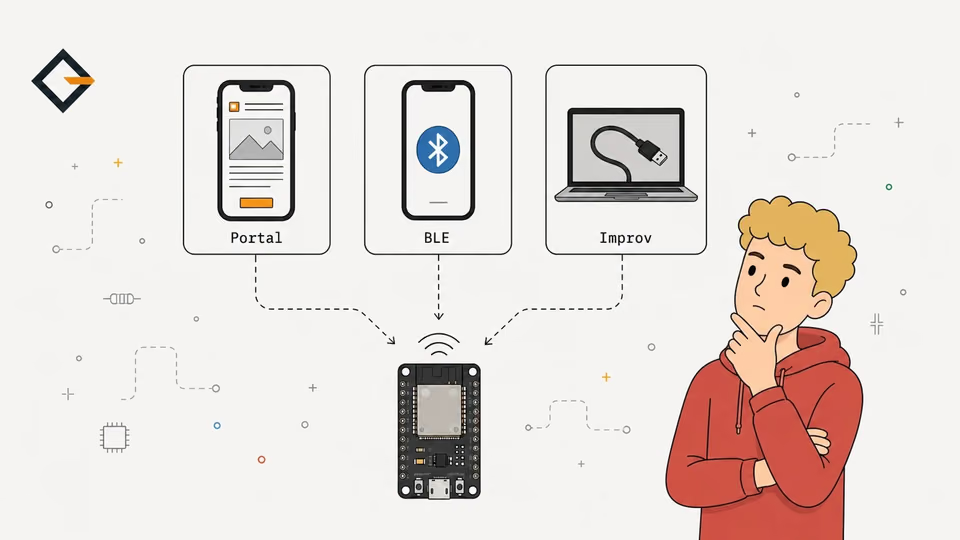
All three share the same first-run flow: the board opens a Wi-Fi hotspot, you pick your network from your phone, and the credentials are stored on the board. The hub post, what is OpenGizmo, explains how the pieces fit.
ESP32 or Arduino Uno: which one should you pick?
The ESP32 is the better pick whenever the project needs a network, because the Arduino Uno R3 has no radio. That is the old comparison, and it has an update: Arduino's newer Uno R4 WiFi uses an ESP32-S3 for its Wi-Fi and Bluetooth, next to a separate main chip. The real contrast is now between boards, not brands.
| Spec | Uno R3 | Uno R4 WiFi | Original ESP32 |
|---|---|---|---|
| Main chip | ATmega328P (8-bit AVR) | Renesas RA4M1 (Arm Cortex-M4) | Xtensa LX6, 32-bit |
| Clock (MHz) | 16 | 48 | up to 240 |
| SRAM (KB) | 2 | 32 | 520 |
| Flash (KB) | 32 | 256 | External, 4 MB or more on typical boards |
| Logic level (V) | 5 | 5 | 3.3 |
| Wi-Fi and Bluetooth | None | Through an ESP32-S3 | Built in |
The numbers come from Arduino's Uno R3 store page, its Uno R4 WiFi documentation and the ESP32 datasheet. The "4 MB or more" flash figure is the usual size of a module, not a chip spec: the datasheet only says the chip supports external flash.
The Uno still has a real advantage: it runs 5 V logic, and nearly every shield and tutorial targets that. The ESP32 is a 3.3 V chip. If you move a project over, check every input, because the datasheet limits a high level to the supply voltage plus 0.3 V.
What are the limits of the ESP32?
The ESP32 is capable, but it is not a general computer, and a few limits show up in nearly every first project. These apply to the original chip, and other series differ in the details:
- 3.3 V logic only. The pins are not 5 V tolerant, as above.
- GPIO34 to GPIO39 are input-only. The datasheet says they have no output driver and no internal pull-up or pull-down, so they cannot drive an LED or use
INPUT_PULLUP. - Five pins are strapping pins (GPIO0, GPIO2, GPIO5, GPIO12 and GPIO15) that the chip reads at reset to pick its boot mode. Driving them wrongly at power-up stops a clean boot. ESP32 strapping pins by chip maps them for the S3, C3, C6 and classic.
- Wi-Fi shares the ADC2 analog inputs. ESP-IDF's ADC documentation says ADC2 is also used by Wi-Fi, and that
adc_oneshot_read()arbitrates between the two. Check the ADC2 notes before you put an analog input on those pins. - 2.4 GHz only. Every chip in the table above uses the 2.4 GHz band. Espressif's selector lists newer series that I did not check for other bands.
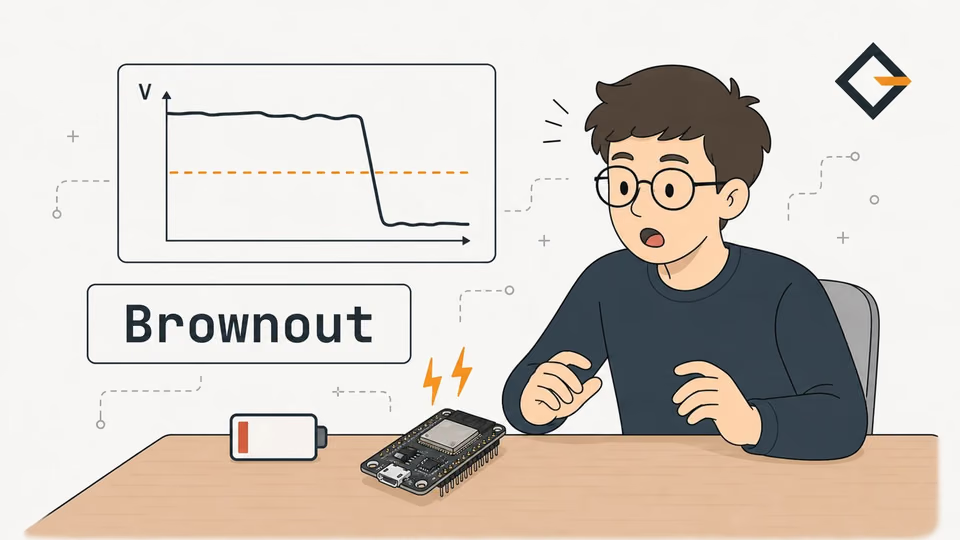
- Radio bursts need clean power. A weak supply can dip the voltage during a transmit burst, and the chip then resets with the "Brownout detector was triggered" message. ESP32 brownout detector was triggered covers the fixes.
- The 10 µA deep-sleep figure is the chip alone. A dev board with a USB bridge and other parts draws more, as ESP32 deep sleep current: chip vs dev board explains.
How do you program an ESP32?
You write C or C++ on your computer, connect the board over USB and upload the compiled firmware. Three toolchains cover most people:
- Arduino-ESP32 brings the Arduino API to the chip, through the Arduino IDE. See the Arduino-ESP32 docs.
- PlatformIO is a build system for VS Code with the same Arduino framework and pinned versions. Every OpenGizmo firmware uses
platform = espressif32 @ 8.0.0withframework = arduino, as described on PlatformIO's Espressif 32 page. The trade-offs are in Arduino IDE vs PlatformIO for ESP32. - ESP-IDF is Espressif's own framework, with direct control over FreeRTOS tasks and the Wi-Fi stack. See the ESP-IDF docs.
If you would rather not write firmware at all, ESPHome vs custom ESP32 firmware shows when a config file is enough. And to flash a finished project without installing anything, ESP Web Tools does it from a Chrome or Edge tab.
Where should you start?
Start with a current dev board, not the cheapest bare module you can find. An ESP32-S3 board gives you Wi-Fi, Bluetooth 5 LE and a normal USB port, and the original ESP32 stays a good second board if you specifically need Bluetooth Classic or want the huge back catalog of tutorials. In both cases the most useful habit is the one this post started with: read the chip name, then look up what it can and cannot do.
The limits are worth repeating. The numbers above are for the original ESP32, the family splits on cores and radios, and the lifecycle notes are a snapshot from November 2026 that Espressif can change. When you are ready to choose, read which ESP32 should you buy. When you want to see a finished device, open the Gizmo Ticker build.
Frequently asked questions
Find quick answers to the most common questions about this topic.
The ESP32 is a family of low-cost 32-bit microcontrollers from Espressif Systems with built-in 2.4 GHz Wi-Fi. The original ESP32 has up to two Xtensa LX6 cores at 240 MHz, 520 KB of SRAM, 34 programmable GPIOs and Bluetooth 4.2, which covers both Classic and Low Energy.

Author
Mauro BrambillaReady to build your own gizmo?
Pick an open-source ESP32 project and follow its step-by-step guide, from the parts list and wiring to the firmware and the first boot.